
WHAT IS THE BEST TOOL TO LAY OUT A PRINT BOOK?
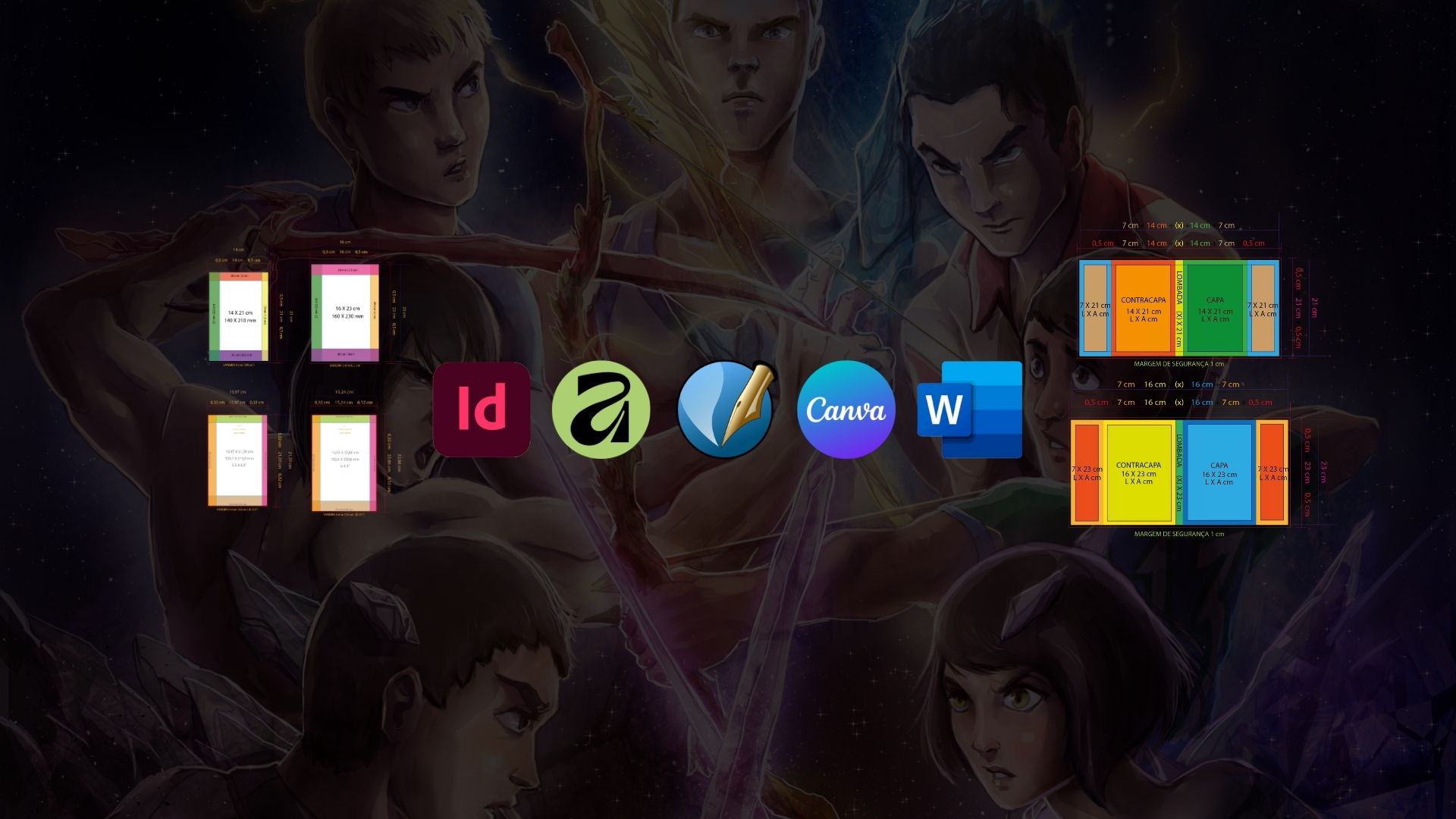
For anyone venturing into print book layout or looking to professionalize their own workflow, choosing the ideal tool often raises questions. There is no absolute rule: the best option depends on your situation, your budget and the complexity of the project. With the right strategy, you can achieve excellent results with any of these programs.
Below, I break down the main options on the market to help you weigh which one best meets your needs.
Adobe InDesign: The Industry Standard
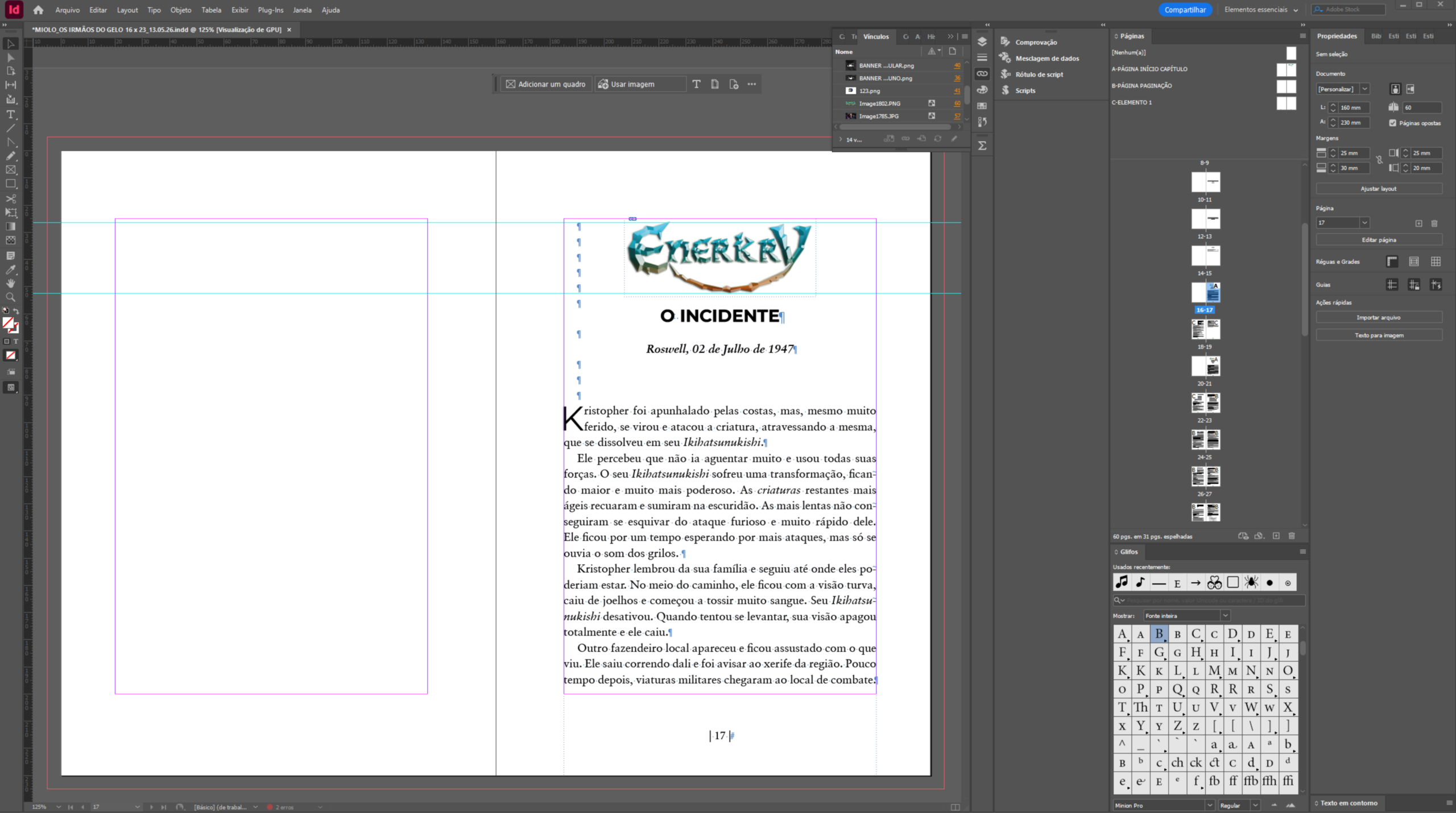
InDesign is the most robust and established tool in the publishing market.
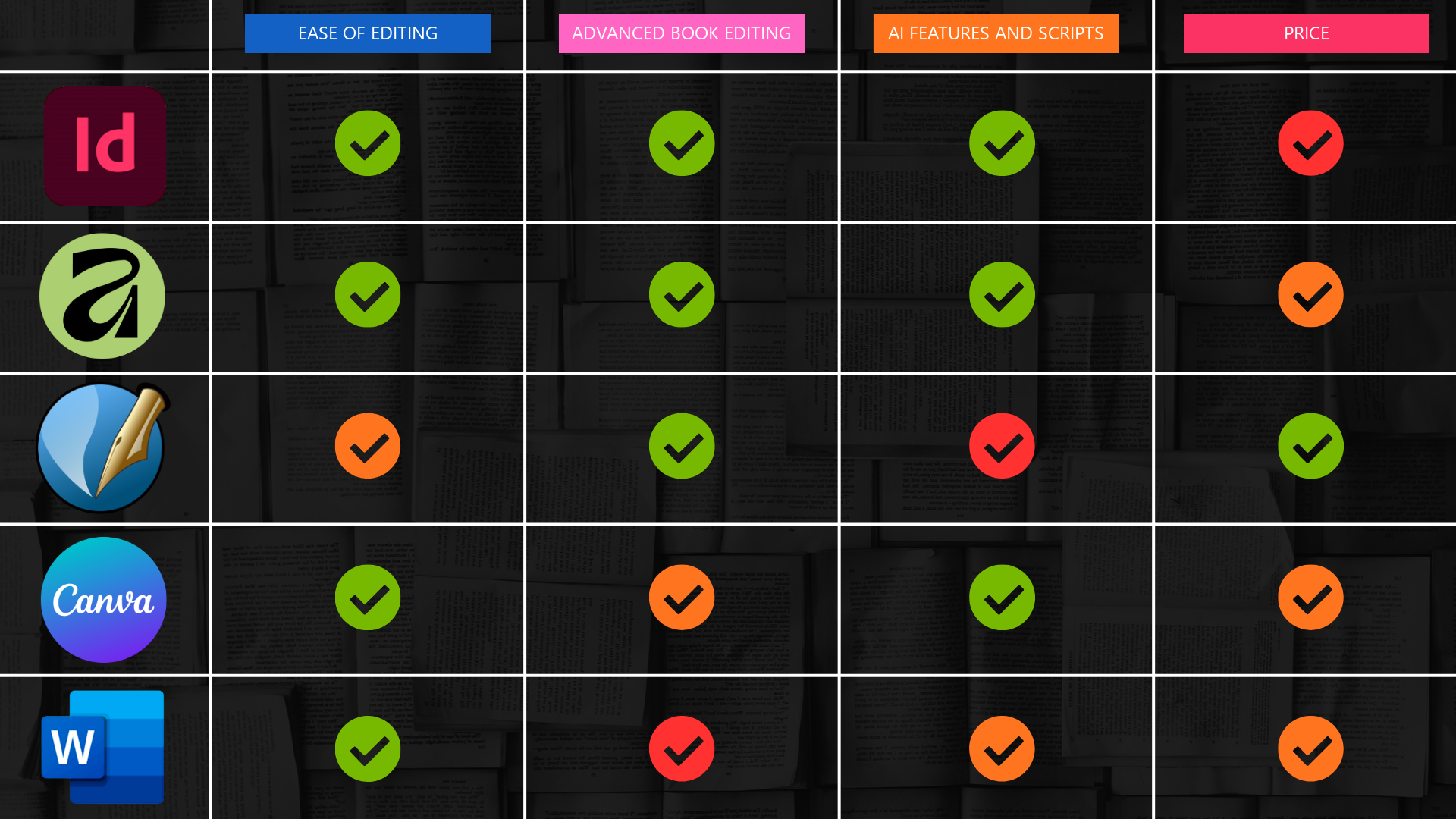
- Ease of Editing: Excellent. Despite the initial learning curve, the interface allows advanced customization for multiple screens and fast workflows.
- Advanced Editing: Excellent. It is unbeatable for master pages, complex paragraph styles and facing pages.
- AI and Scripts: Excellent. It allows you to create and integrate custom scripts (such as automation for widows, orphans and hyphenation) and already includes generative fill for images.
- Price: Poor. Adobe's high monthly subscription cost can be an obstacle for beginners; it is better suited to those who already have a high volume of projects.
Affinity: The Rapid Rise
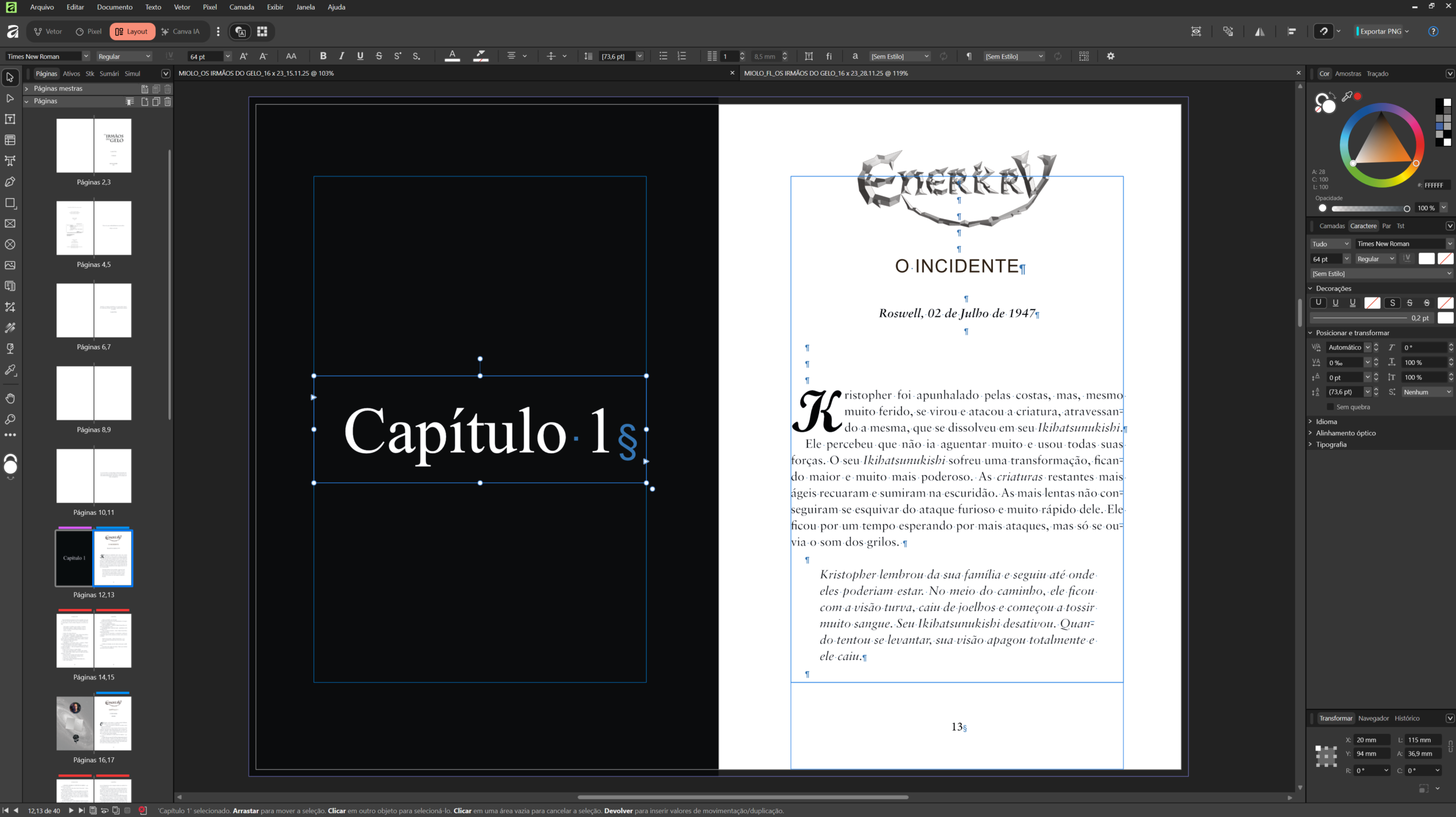
Recently acquired by Canva, Affinity is establishing itself as the main competitor to InDesign.
- Ease of Editing: Excellent. It has a very intuitive and fluid interface.
- Advanced Editing: Excellent. It delivers professional-level features for literary and technical books.
- AI and Scripts: Excellent. It brings smart native features (such as advanced control of orphans and widows) and should integrate more and more AI thanks to the infrastructure of its new parent company.
- Price: Medium. Excellent value for money. Almost all features are free, but for the AI tools you will need a paid Canva subscription. They have affordable plans.
Scribus: The Open Source Alternative
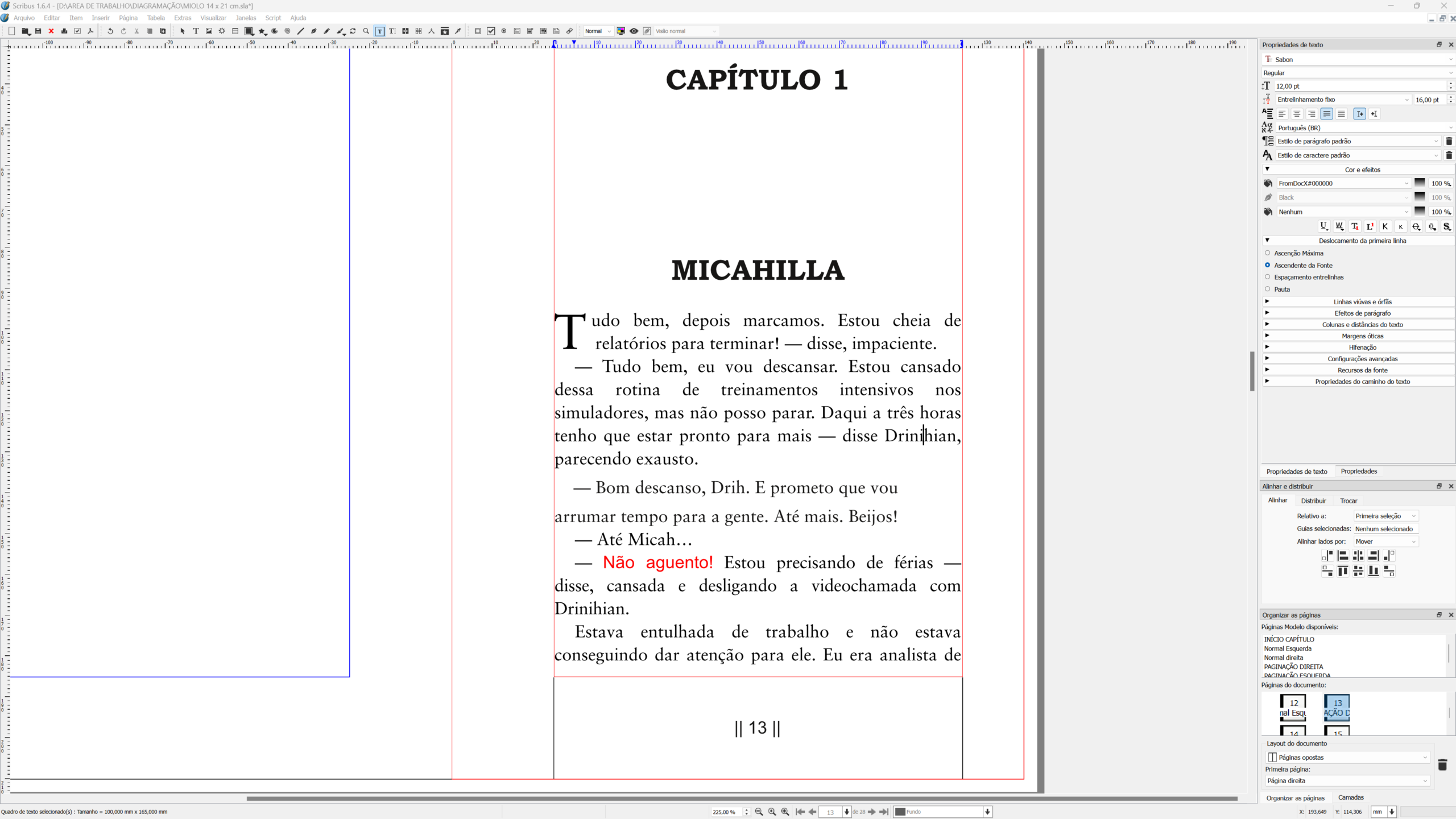
For those looking for a completely free, desktop-based option, Scribus is the open source classic.
- Ease of Editing: Medium. The interface has a more retro look and some features work differently from industry standards, requiring more time to adapt.
- Advanced Editing: Excellent. It supports complex projects and has good automation features.
- AI and Scripts: Poor. As a community project, it lags behind in cutting-edge Artificial Intelligence integrations. Maybe in the future.
- Price: Excellent. 100% free and constantly updated by the community.
Canva: Speed and Visual Accessibility
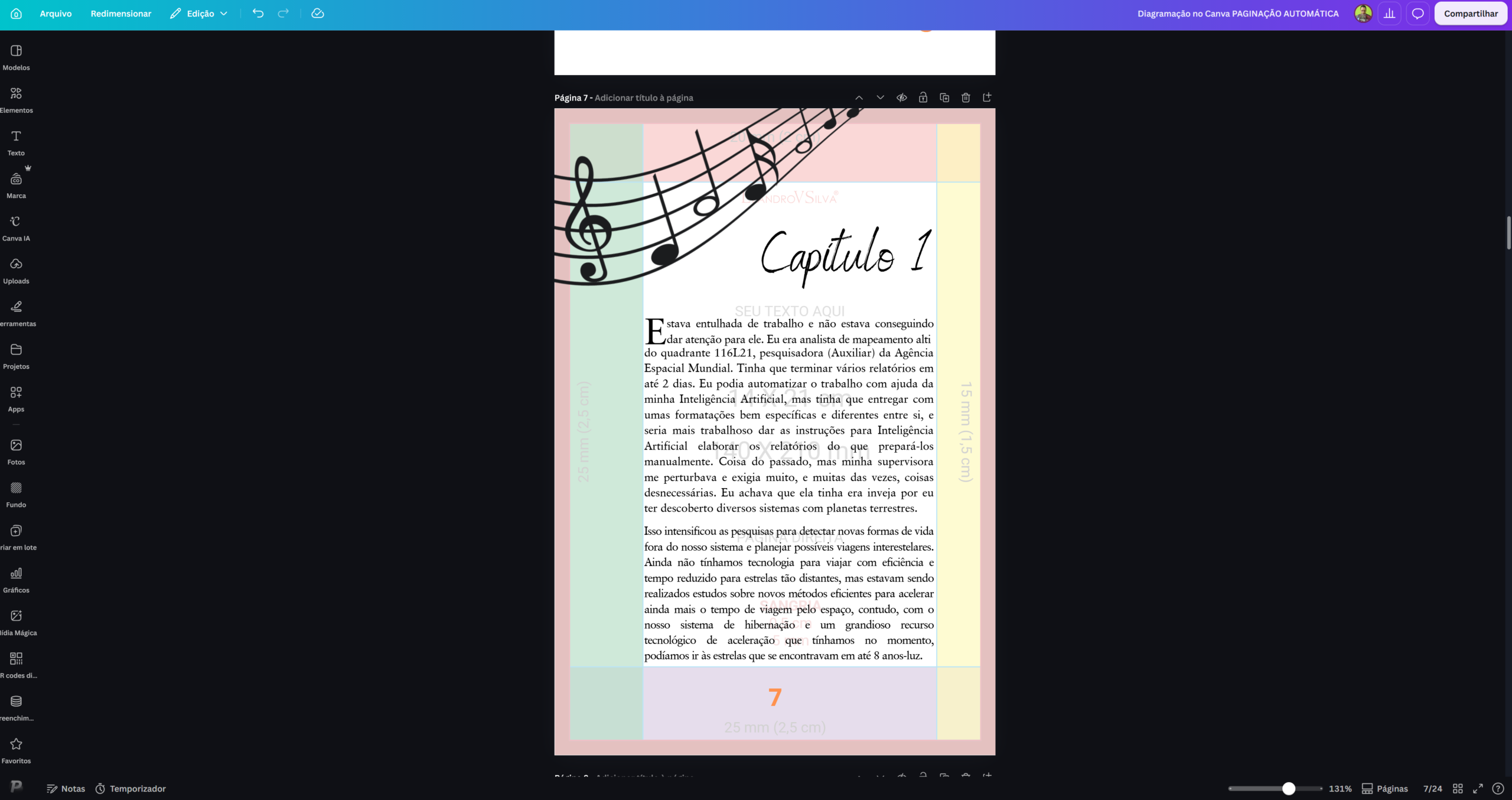
Canva revolutionized quick design, but it requires adjustments for the traditional publishing market.
- Ease of Editing: Excellent. The drag-and-drop system is unbeatable for beginners.
- Advanced Editing: Medium. For long literary books, Canva falls short by not having native automatic calculation of margins and facing pages. You need templates and external calculators to avoid printing mistakes.
- AI and Scripts: Excellent. It has incorporated powerful tools such as Leonardo AI, speeding up the creation of covers and illustrations.
- Price: Medium. The free version is useful, but the Pro version is essential for high-quality exports and AI features.
Microsoft Word: The Universal Classic
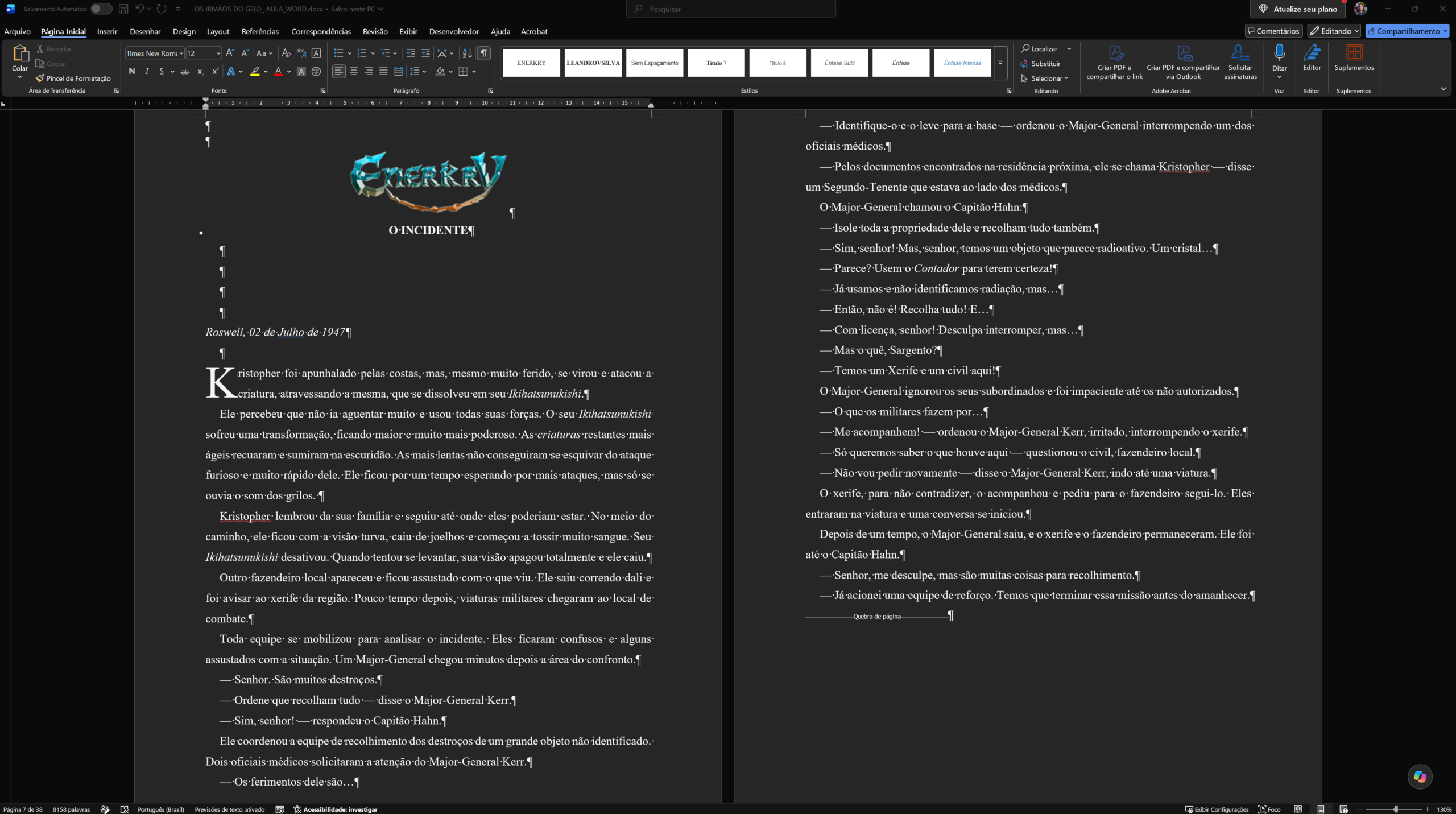
Although it is focused on word processing, Word is widely used for basic layout.
- Ease of Editing: Excellent. Practically everyone is already familiar with the software.
- Advanced Editing: Poor. Complex projects, fine typographic control and image handling tend to "break" the layout, requiring workarounds.
- AI and Scripts: Medium. It supports macros (VBA) for high-level automation, but has no visual focus.
- Price: Medium. It requires an Office subscription, although there are free equivalents such as Google Docs and LibreOffice.
The secret is not in the tool, but in how well you master it. If your budget only allows Word or Canva right now, start with them; there are also free solutions such as Affinity and Scribus, although they require a longer learning curve and more mastery.
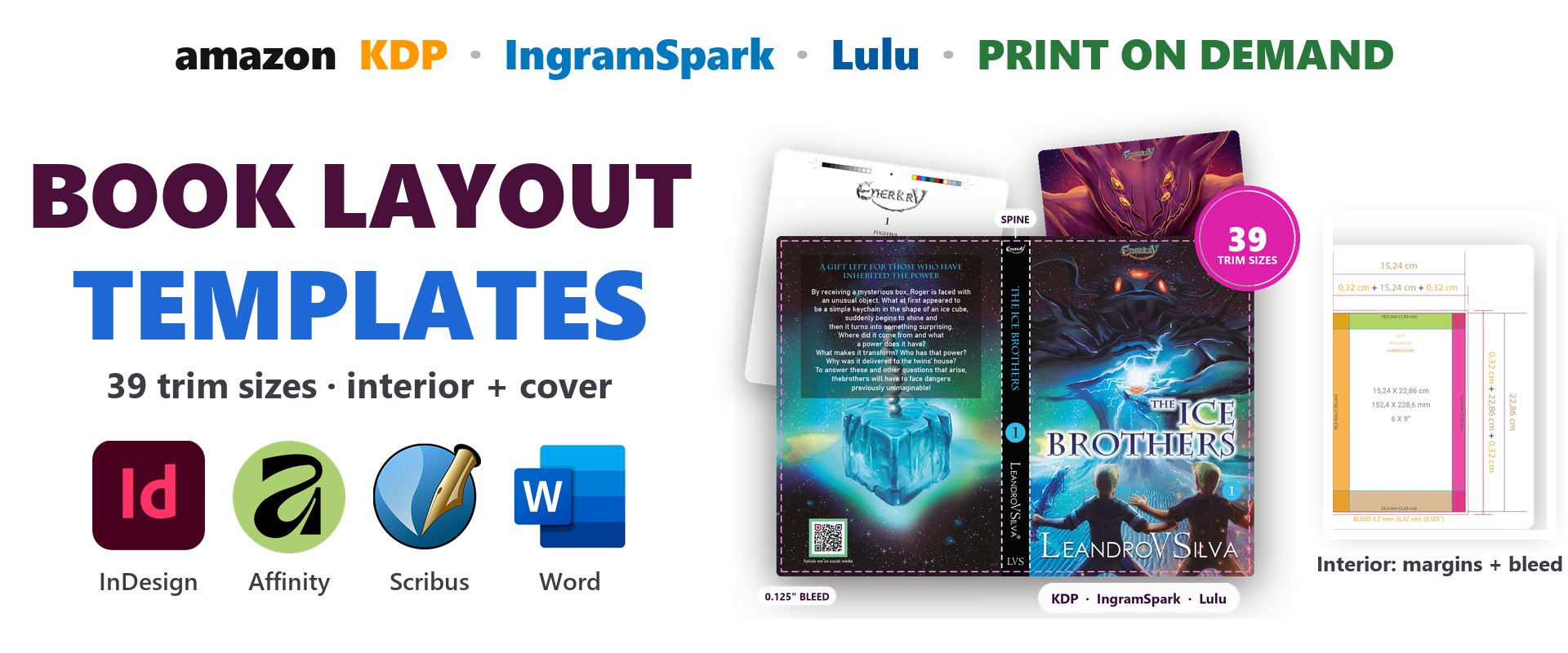
To shorten this path, productivity tools and precise templates make all the difference. The LeandroVSilva One Tools Pro ecosystem and the Layout Mega Packs were developed precisely to fill these gaps, with pre-calculated templates, spine calculations, barcode generators and plenty of support material so you can lay out like a professional, whether in Canva, Affinity, InDesign or even Word.
To learn about various publishing and layout processes in detail, check out the videos on the CHANNEL.
Keep fighting and always moving forward🚀